Edit
Complete video editing, easy to start with.
- Multitrack timeline, scenes and groups
- Automatic subtitles on your PC
- 225 effects, 189 filters, 82 transitions
- Export up to 4K, vertical or as GIF
- Edit by text, automatic Shorts and multicam
Edit your videos, record your screen and stream live, retouch your images and compose your music, with an AI assistant. Everything happens on your PC.
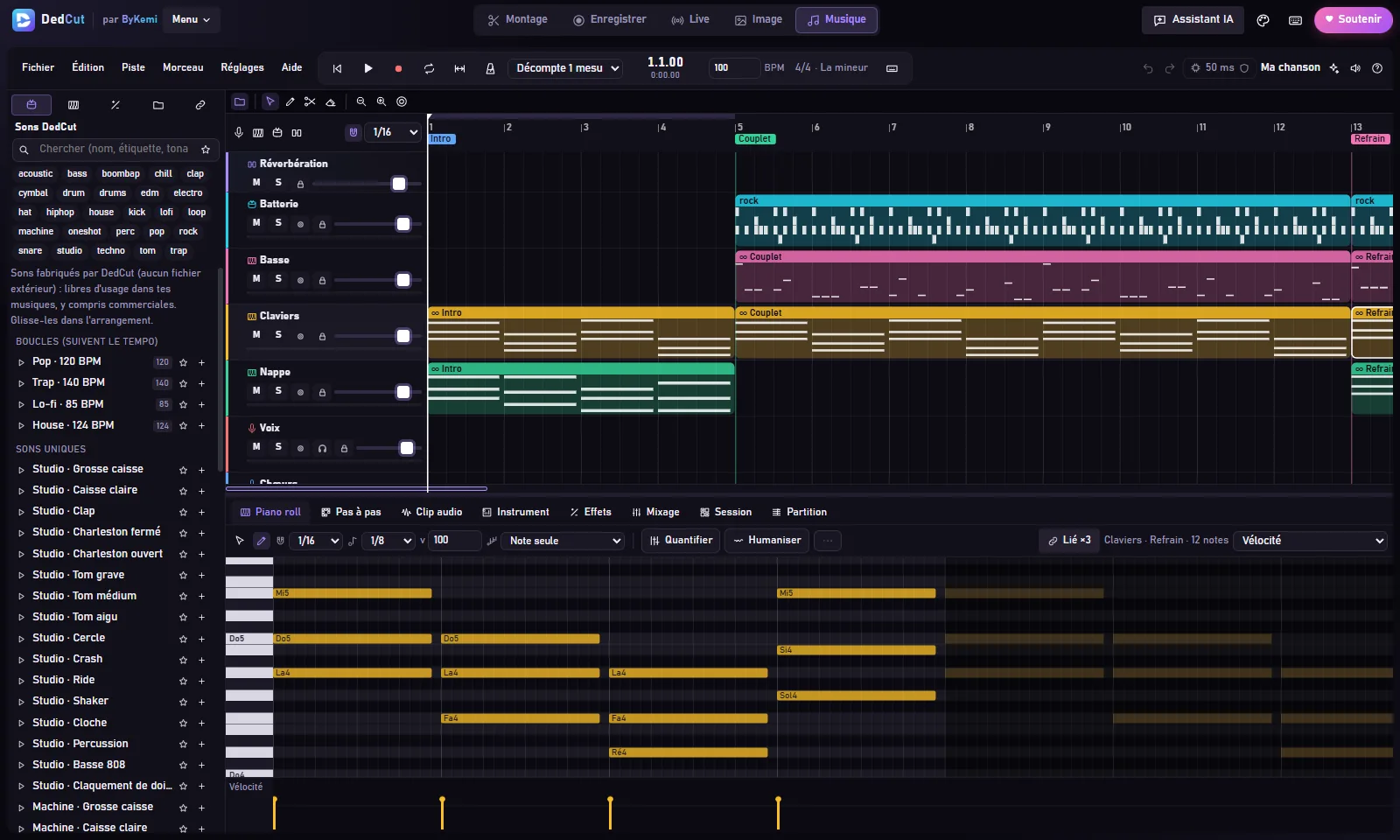
Switch spaces in one click at the top of DedCut. Your images and sounds move from one to the other.
Complete video editing, easy to start with.
A real studio to film your screen.
Live on several platforms at once.
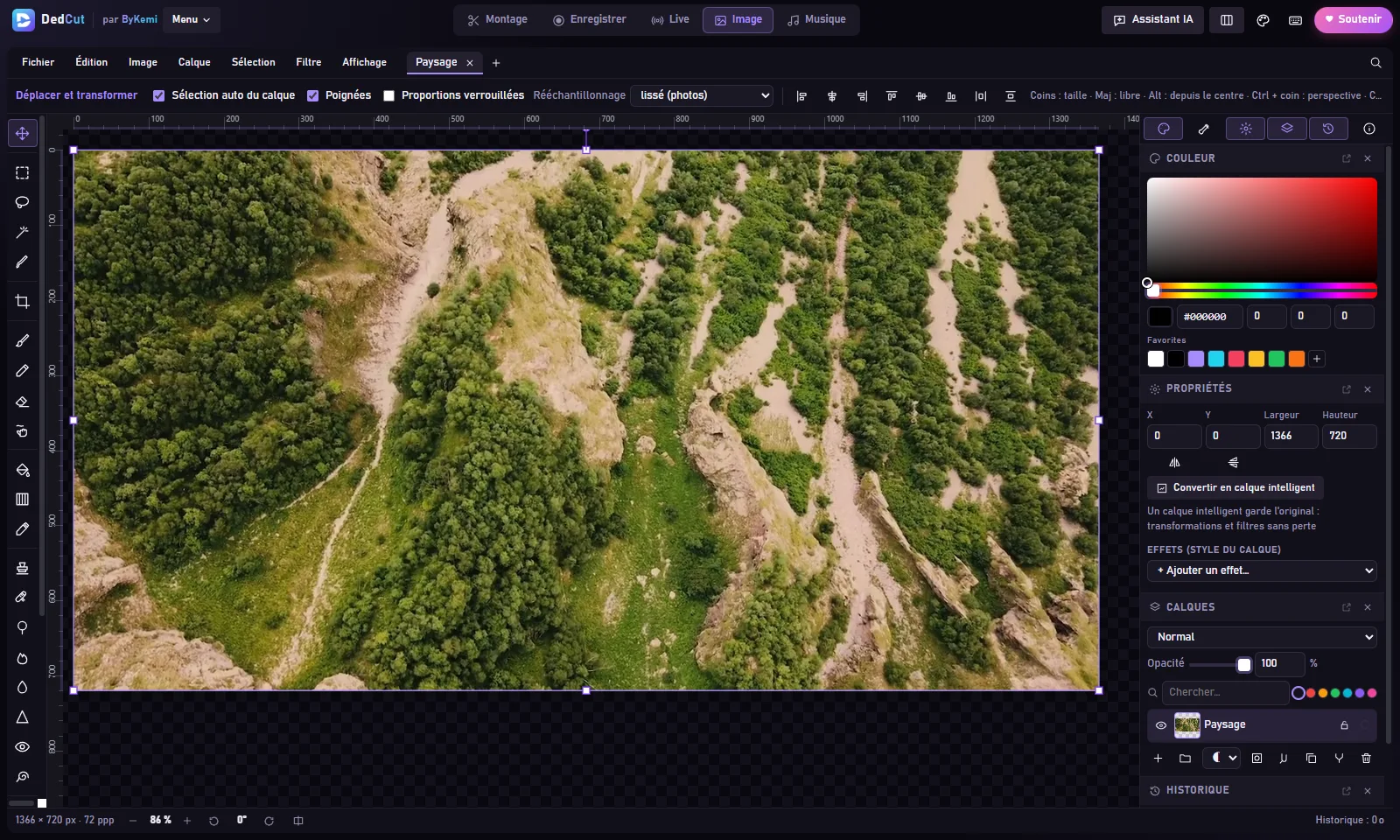
Photo editing and visual design.
Compose your music, from the first beat to the export.
Simple tools to get started, powerful enough to go far.
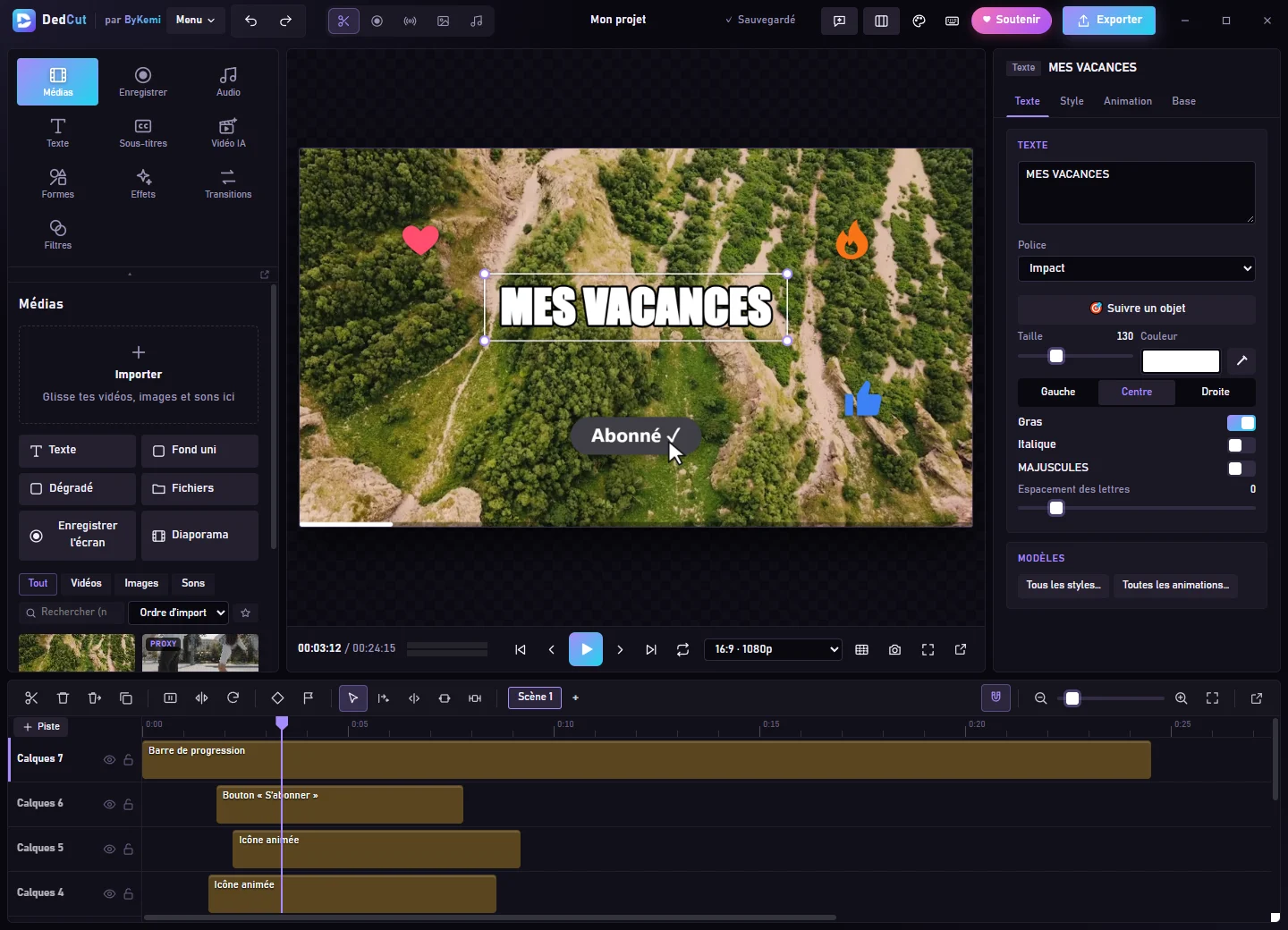
Cut, move, speed up or slow down. As many video, sound and layer tracks as you want, with scenes, groups and undo at any time.
Over 180 animated icons, progress bars, countdowns, Subscribe buttons, name tags, charts, presentation elements… ready to drop in with one click.
Speech is transcribed on your PC, then styled in one click. SRT / VTT import and export.
225 GPU-powered effects, 189 color filters, 82 transitions and effects that cut out the person on screen.
82 real royalty-free songs, 129 sound effects, voice-over with Windows voices, voice cleanup, silence removal.
204 text styles, 100 bundled fonts, over 500 shapes and elements, styled subtitles in one click.
Landscape, vertical or square, automatic face crop, export up to 4K or as a GIF.
Animate a picture or create a short clip from a description, right on your PC. It needs a recent graphics card: DedCut checks your PC and tells you clearly.
New versions install in one click, each one signed. At rest, DedCut barely loads your PC and releases the mic as soon as you're done.
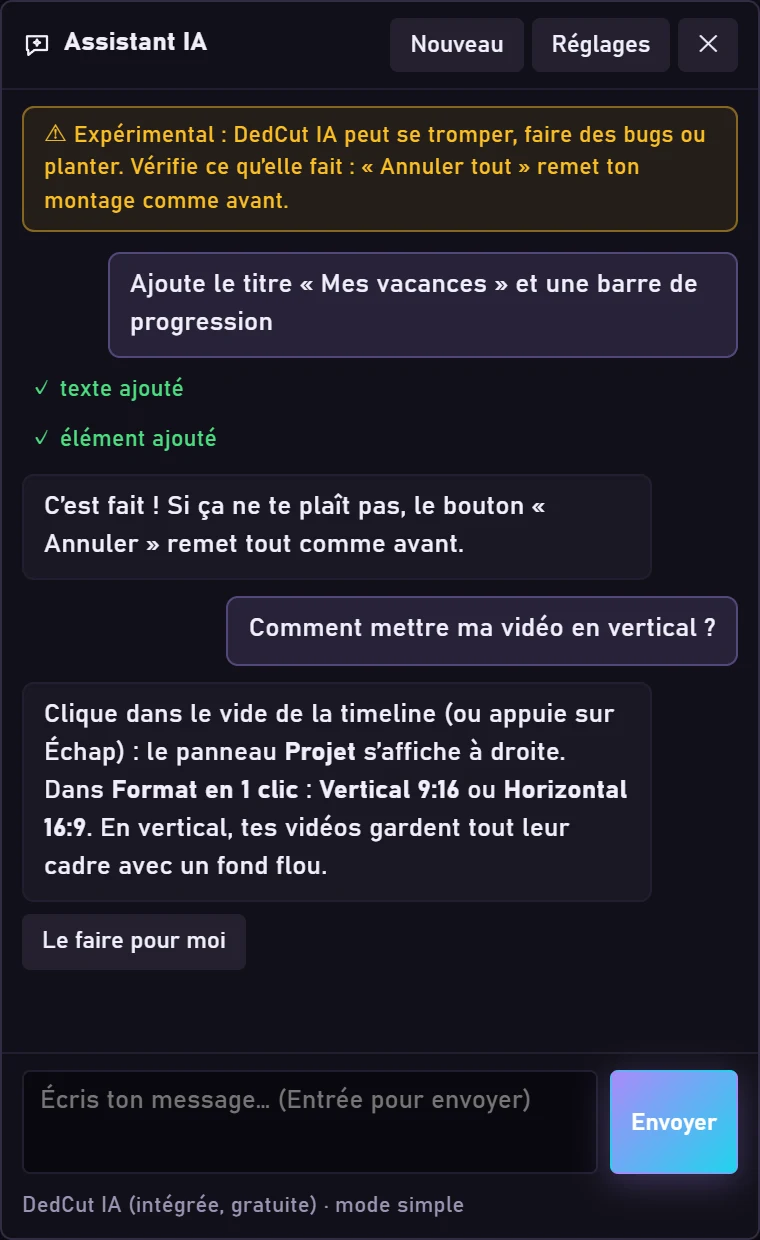
Type for example “cut the silences and add subtitles”, or ask a question like “how do I make my video vertical?”. The assistant edits the video right inside DedCut, and one button undoes everything it did.
With DedCut AI, nothing leaves your PC. With an online AI, only your message and the project description are sent, never your files.
No account, no ads, no tracking. Your projects and media stay with you.
Editing, images, music, export and subtitles work offline (once the subtitle model is downloaded). Only live streaming and updates need the internet.
DedCut checks the signature of every new version before installing it. You can turn this check off.
Windows 10 and 11 (64-bit). Every feature, automatic updates.
Version 4.67.1 beta · ~18 Mo Download for WindowsApple silicon (M1, M2…) and Intel Macs. All of DedCut except AI Video.
If macOS blocks it: System Settings → Privacy & Security → “Open Anyway”. Download for MacComing soonFor phones and tablets. In the works.
It will appear here as soon as it is ready, like the Mac version. Download the APKComing soonGet the installer, about 18 MB.
Open the file and follow the wizard. If Windows shows “Windows protected your PC”, click “More info” then “Run anyway”.
Launch DedCut, pick a space (Edit, Record, Live, Image or Music) and get started.
Editing, recording, live, image, music, AI: a simple tutorial for everything.
All tutorials 43 step-by-step tutorials, in 9 languagesThat DedCut is still young: everything works and you can use it for real, but some bugs may remain. If you find one, click the “beta” badge at the top of DedCut (or Menu > Report a bug), or write to bugs@dedcut.com. Fixes arrive on their own with the updates, and DedCut stays free after the beta.
Yes, completely: no subscription, no ads, no account. You can support the project if you like.
Yes: DedCut is free software. Its code is public on GitHub, under the GPL-3.0 licence: anyone can read it to check that it does nothing hidden, and reuse it as long as it stays free. The DedCut name and logo remain ByKemi’s.
Windows 10 and 11 (64-bit), with every feature. Mac and Android versions are coming soon: their download buttons will turn on as soon as they are ready.
Not to create. The internet is only used for live streaming, downloading optional modules (subtitles, AI video), updates and the online AI assistant.
No: DedCut AI is built in and free. If you want a freer AI: Claude and ChatGPT need an API key with credit, Gemini has a free key (with a daily limit), and Ollama is free on your PC.
It needs a recent graphics card (NVIDIA RTX 2000 or newer, AMD RX 6000 or newer, or Intel Arc) with 8 GB of video memory, and 16 GB of RAM. Otherwise DedCut blocks it to avoid hours of computing or a crash. Everything else works normally.
At startup DedCut checks for a new version and installs it in one click. Your project is saved first.
YouTube, Twitch, Facebook, Kick and TikTok, even several at once: you just need each platform's stream key. Chat and alerts show up in DedCut and in your stream, depending on the platform.
Yes: the sounds, loops, drums and instruments of the Music space are made by DedCut and free to use, even commercially. The 82 real songs in the library are in the public domain. For a sound you import, check its license.
French, English, Spanish, German, Italian, Portuguese, Japanese, Korean and Chinese.
DedCut will always stay free and ad-free. A donation, even a small one, helps it grow. Here is exactly what it pays for.
A donation unlocks nothing in DedCut: every feature is free for everyone.
So that Windows recognizes DedCut and stops showing the “Windows protected your PC” warning. It must be paid every year.
A recent graphics card to improve AI video, and different PCs to make sure DedCut works everywhere.
New features, bug fixes and answers to your ideas.
Domain name, hosting, and review of the 9 languages by native speakers.

Free, no account, ready in a minute.
Download DedCut